
PAPPA for coaches
PAPPA does not replace a coach. It gives you better information about the people you coach, so you can spend your time on the athletes who need it.
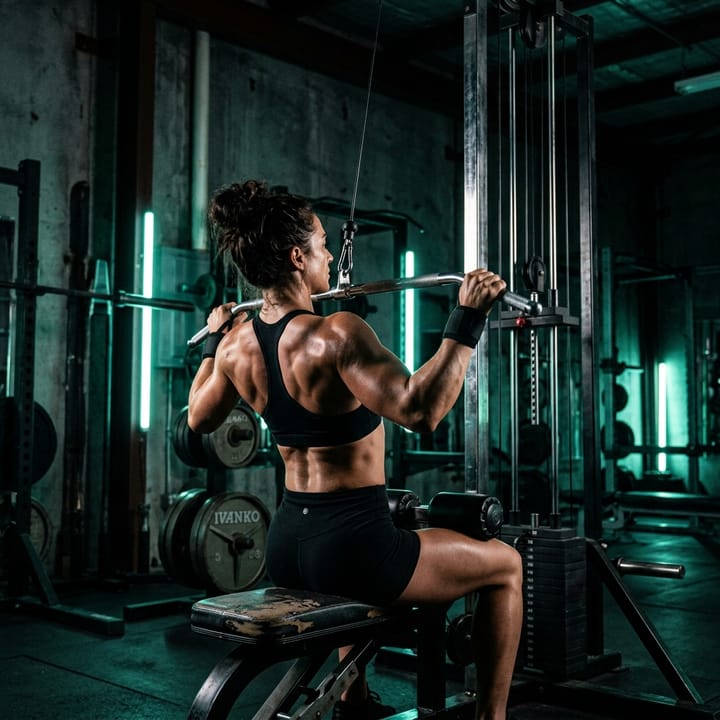
How it starts
You get a coach account
Coach accounts are set up by the PAPPA team during the beta. There is no self-serve switch yet. Coaches count towards the same limited number of beta places as everyone else.
You invite an athlete
Enter their email address and PAPPA creates an invite link. The athlete opens it, sees your name, and accepts. The link expires after a week.
You work together
Once the invite is accepted the athlete is on your roster. You can see their summary, flag who needs a check-in, message them, and build their program.
What you get
Everything here is in the app today, and works with athletes who have accepted your invite.
A roster with a summary for each athlete
Pick an athlete and see their division and goal, how many days a week they train, their recent workouts, their weight trend, and today’s calories and macros against their target.
See who needs a check-in, and why
PAPPA measures each athlete against their own training days, not a one-size rule. It flags athletes who have gone quiet, who are training less than they planned, whose weight is moving against their stated goal, or who rarely log food, and it tells you the reason. Someone who has only just joined is marked new, not behind.
A check-in draft, never sent for you
From a flagged reason PAPPA drafts a message that you can edit or delete. It is never sent automatically.
Message your athletes
Each athlete has a thread with you. They read and reply in their own inbox in the app.
Start a session when you are at the bar together
When you and an athlete are in the gym, you can start one of their routines, or an empty session, on their account. With an empty session, the athlete picks the exercises on their own phone.
Build a four-week program and meal protocol
Generate a four-week program and its meal protocol for an athlete you coach, then edit their routines and the entries in their meal plan by hand.
Build once, assign to many
Make a template and assign it to many athletes. Editing a template changes nothing for athletes who already have a copy, and the screen shows how many are behind. Pushing an update skips copies you customised unless you choose to overwrite them.
See whether they did what you prescribed
Compare what an athlete did with what they were prescribed, not just whether they showed up.
Look back before you reassign
See what happened the last time an athlete ran a program, so changing it is a decision rather than a guess.
Suggestions only when there is enough data
PAPPA suggests program adjustments only when an athlete has at least three scored sessions in the last two weeks. With less than that it says so, instead of reacting to one bad day.
Exercise notes your athlete reads
Write a note on an exercise for one athlete. They see it on that exercise’s screen in their app.
A progress rollup for each athlete
Current weight and how it has changed over the last month and three months, training consistency over four weeks, how often they log food, when they were last active, and their streak.
Upcoming events across your roster
See every athlete’s upcoming event dates in a window you choose, including athletes who have none.
What your athletes see
A coach only sees an athlete after the athlete accepts the invite. What a coach can see and do is spelled out for athletes on our site, so they can read it before they say yes.
PAPPA is a tracking and planning guide. It is not medical advice and not a substitute for your coach or your doctor, and no outcome is guaranteed.
Interested?
Join the beta in the usual way. Coach accounts are set up by the PAPPA team.